From the kitchen
Explore classic plates, sizzling fajitas, tacos, burritos, and more.
Fresh Mexican favorites, sizzling fajitas, and a warm welcome at every table.
Come together over the Mexican dishes you love. From crisp chips and house favorites to hearty entrées, there’s always something worth sharing.
Our team is ready to make your visit feel like time spent with family. Find your neighborhood Mi Toro in Booneville, Columbus, Fulton, or Saltillo.
Plan your visit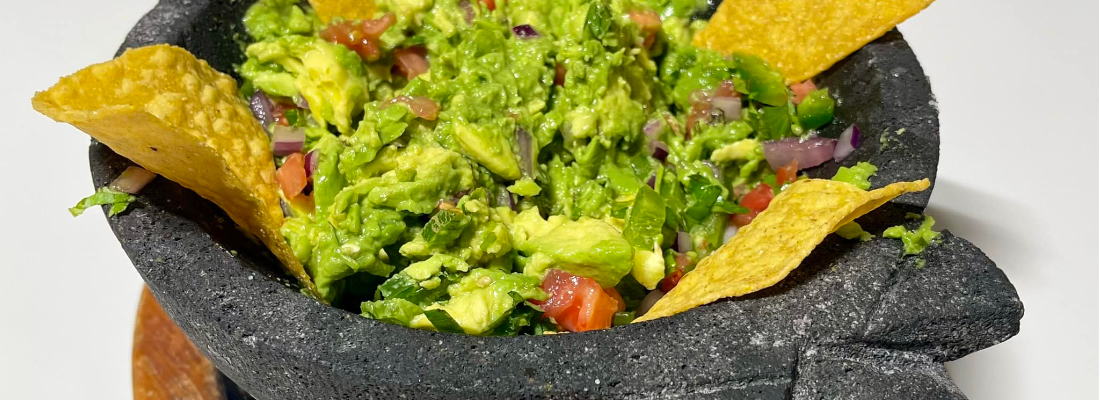
Explore classic plates, sizzling fajitas, tacos, burritos, and more.
Settle in with a refreshing margarita or a favorite from the bar.
Bring the family, meet a friend, or make dinner a celebration.
Hours: Monday–Sunday, 11:00 am–10:00 pm
Hours may vary by location.
Keep the menu, drinks, and locations handy on your phone or tablet. Add this website to your home screen, then tap the Mi Toro icon whenever you want to visit.
Start from the Mi Toro home page when adding the icon. An internet connection is needed to view the website.